Explore Nimesha Mihiranga's
music releases, creative workflow, software projects, and the journey from DeX Music Player to the upcoming NexPlay.
MUSIC
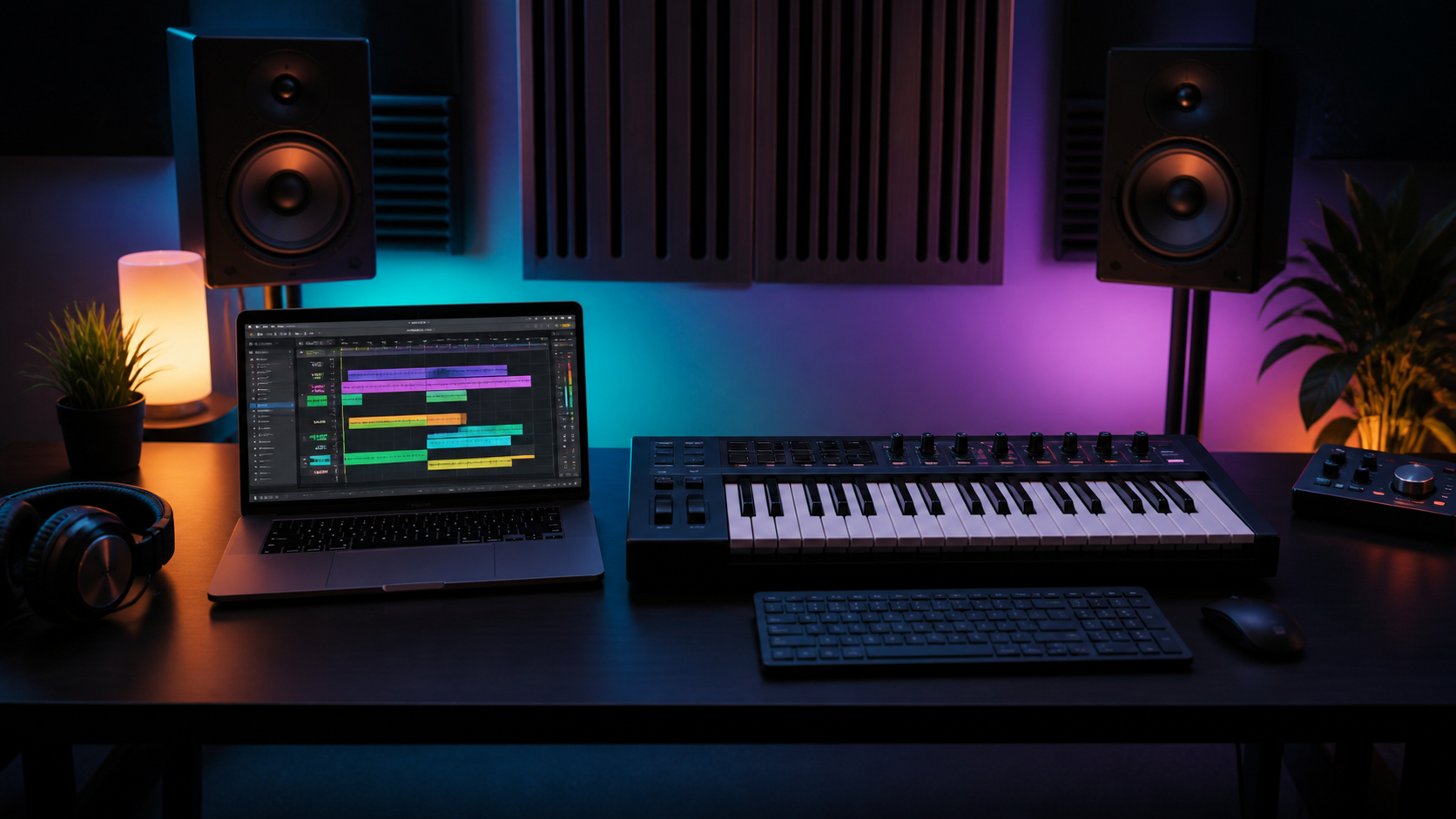
How to Start EDM Production in FL Studio: Beginner Guide
A simple FL Studio starting setup for drums, bass, melody, and export checks.
MUSIC
How to Make Slowed and Reverb Remixes: Complete Guide
Tempo, pitch, reverb, and final listening checks for cleaner slowed edits.
INDUSTRY
How to Release Music on Spotify and Apple Music
What to prepare before uploading a release to streaming platforms.
EDITING
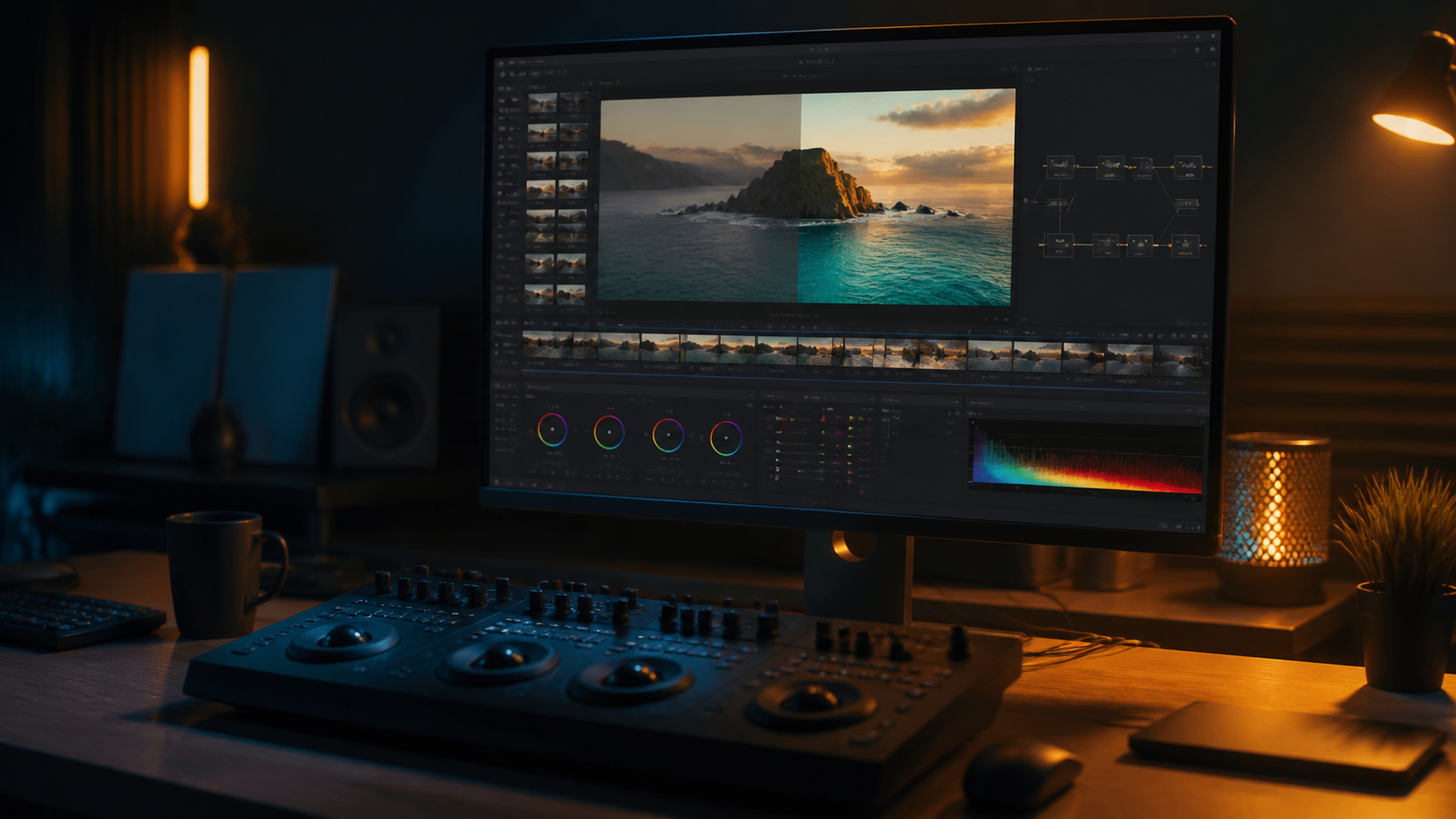
5 Cinematic Video Editing Techniques for Music Videos
Useful editing choices that support rhythm, mood, and clear storytelling.
SOFTWARE
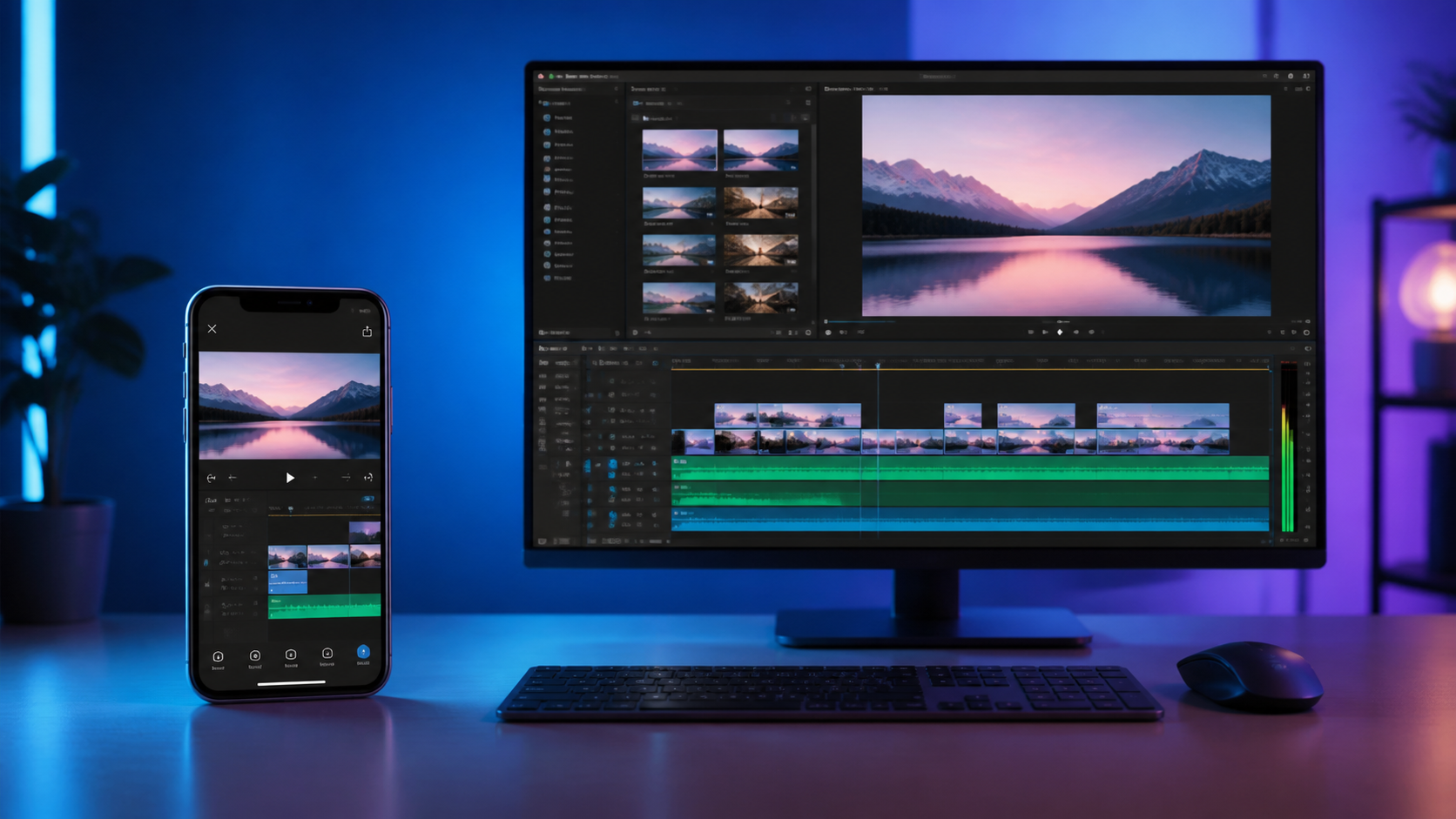
CapCut vs Adobe Premiere Pro: Which Editor Is Better?
When to use CapCut for speed and Premiere Pro for control.
CREATIVE
How to Create Dark Aesthetic Rap Music Videos
Lighting and grading notes for dark visuals that still stay readable.
DEVELOPMENT
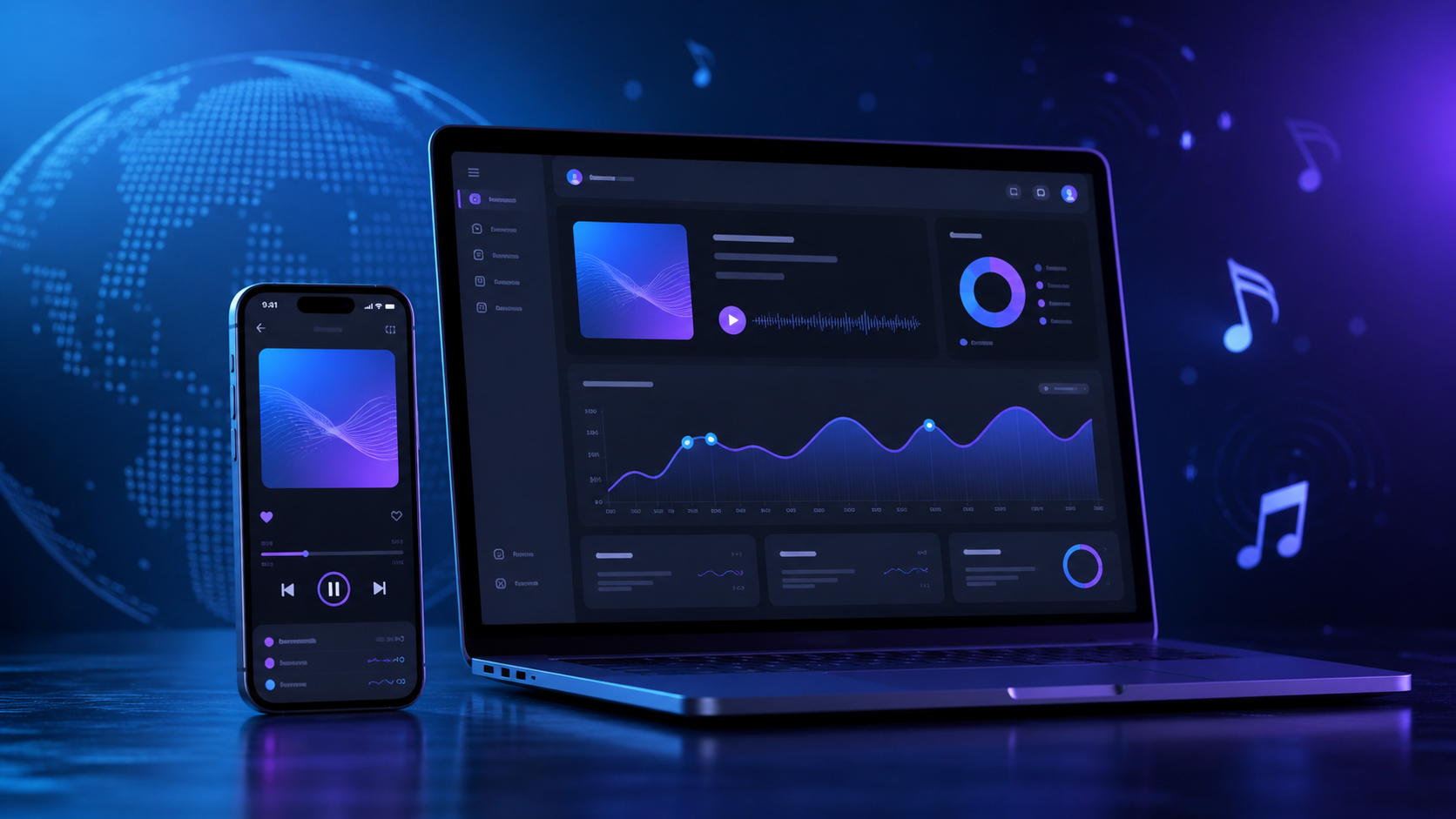
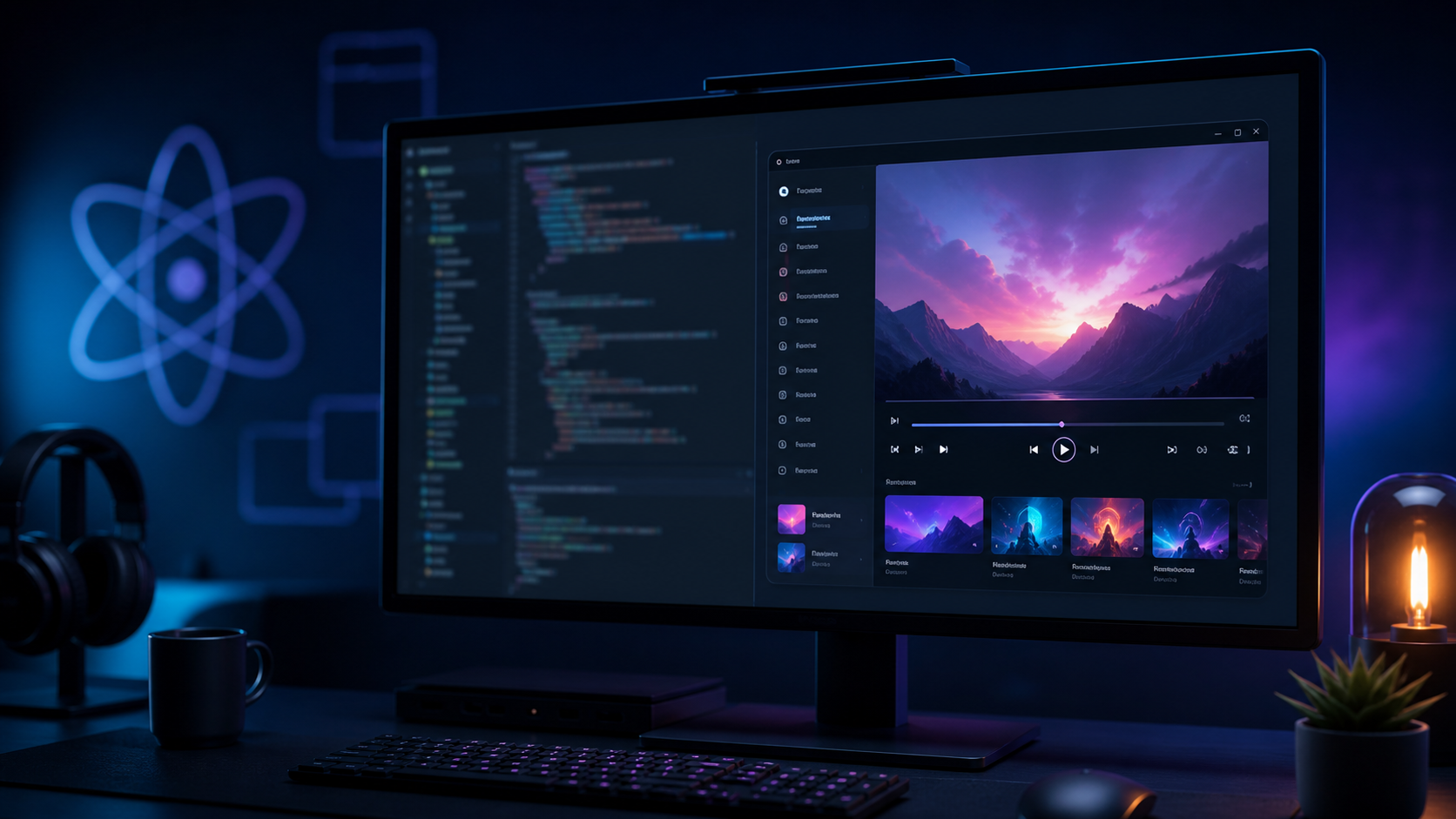
How to Build a Desktop Media Player with Electron and React
Core desktop app structure before adding extra visual features.
DESIGN
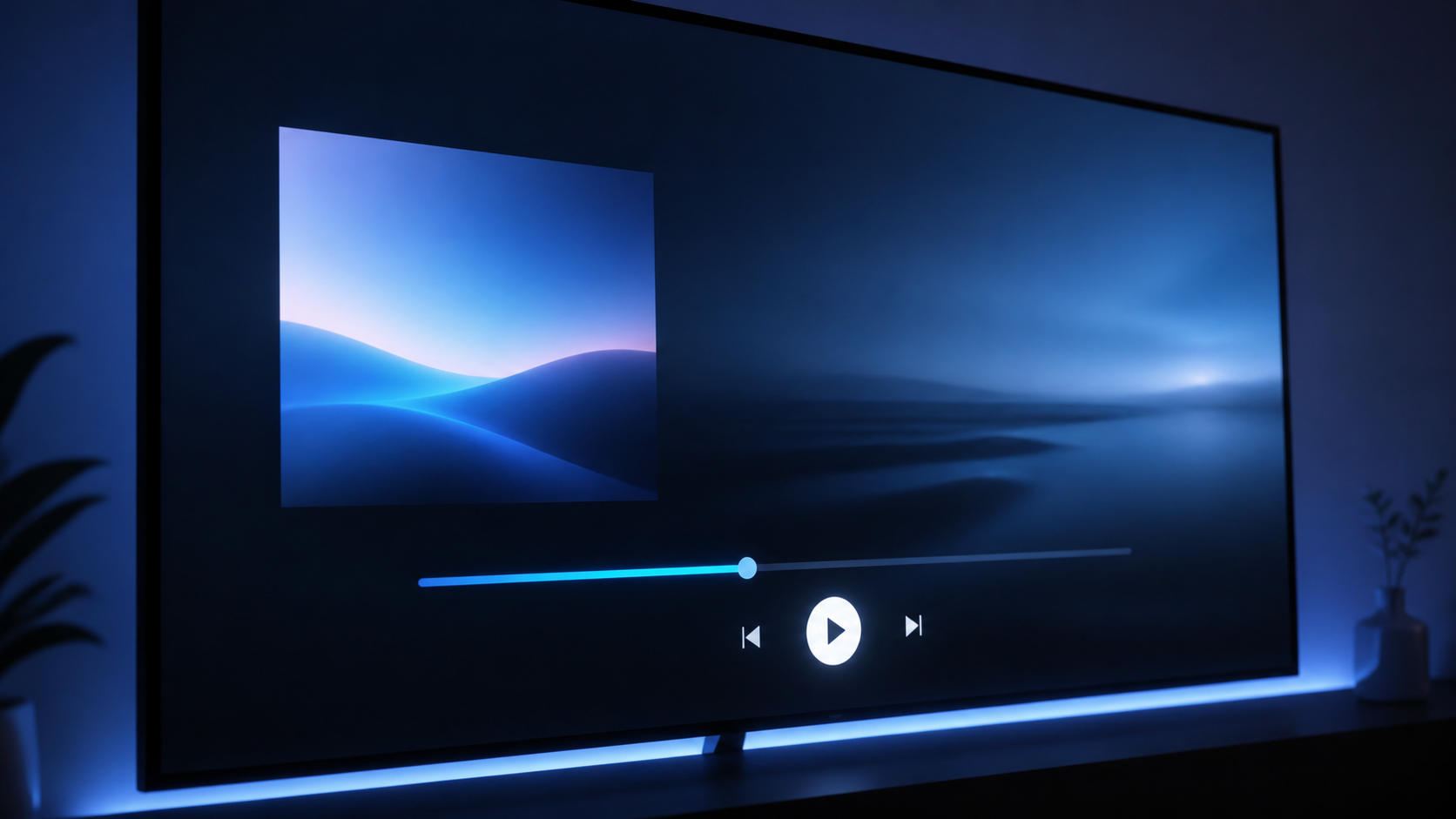
Media Player UX Design: Principles for a Better Experience
How to keep playback controls clear across full, mini, and floating modes.
GRAPHIC DESIGN
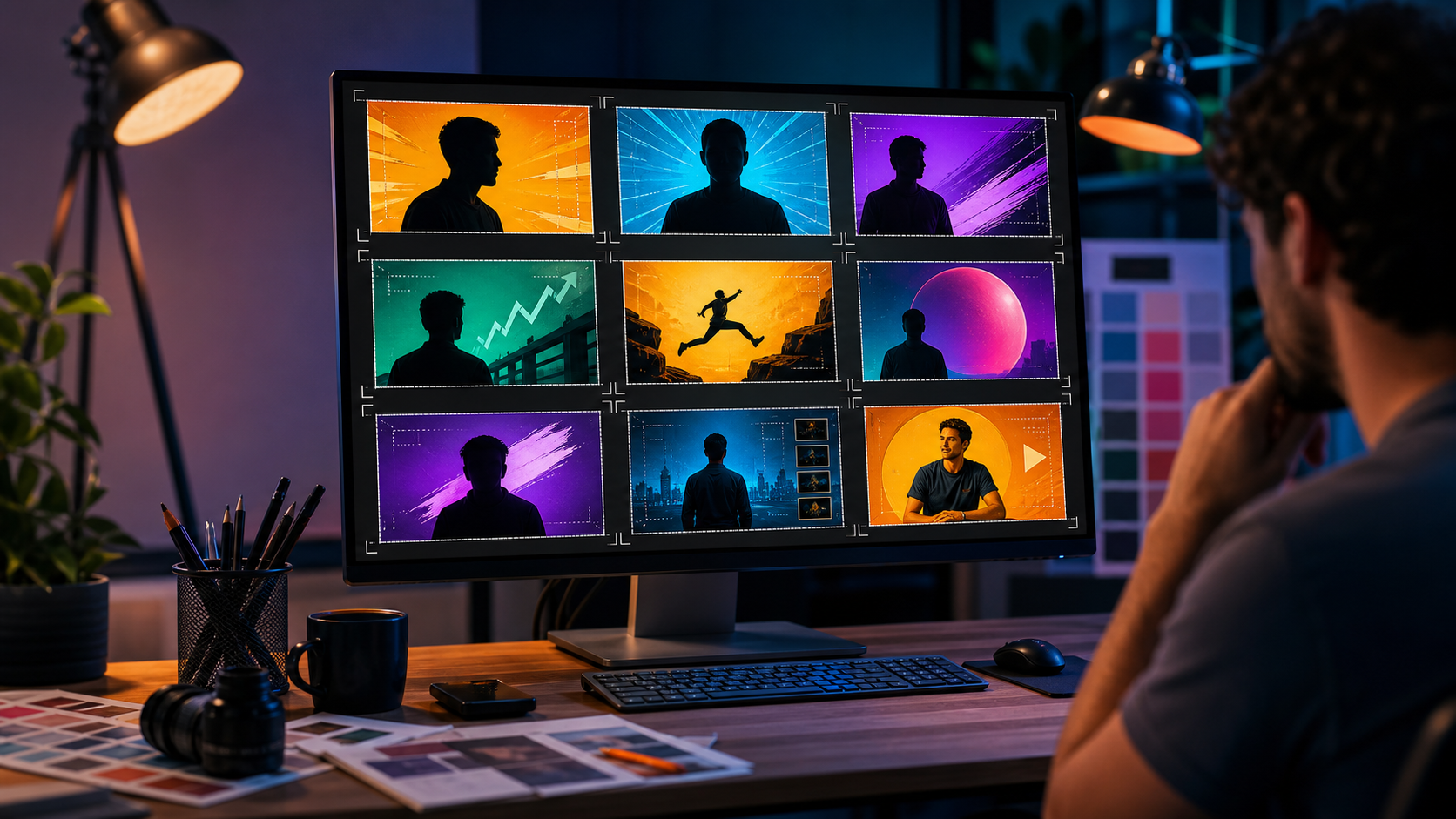
How to Design High-CTR YouTube Thumbnails
Subject, contrast, spacing, and short text rules for mobile-readable thumbnails.
COMING SOON
From DeX Music Player to NexPlay
Current status and useful notes for the upcoming NexPlay project.
ARTIST UPDATE
Releasing Music on SoundCloud
Where listeners should look for confirmed music links and updates.
About Me
I am Nimesha Mihiranga, a passionate Video Editor, Music Producer, and Artist based in Sri Lanka. I specialize in cinematic visual storytelling, advanced color grading, VFX compositing, and music production.
My work spans music releases on platforms including SoundCloud and streaming services, creative content, and software such as DeX Music Player. NexPlay, my next music-player project, is currently in development and planned for a future release.
How to Start EDM Production in FL Studio
Start with a small project: drums, bass, chords, lead, and one vocal or hook. Finish that loop before adding extra sounds.
Basic Setup
Use FL Studio patterns for drums and Piano Roll for melodies. Keep each sound on its own mixer track so volume, EQ, and effects stay easy to control.
Useful Checklist
Pick a clean kick, write a simple bassline, remove muddy low frequencies, and export a short test before building the full arrangement.
Drums සඳහා FL Studio patterns භාවිතා කරන්න, melodies සඳහා Piano Roll භාවිතා කරන්න. Volume, EQ සහ effects control කරන්න පහසු වෙන්න sounds වෙන වෙන mixer tracks වලට දාන්න.
Useful Checklist
Clean kick එකක් තෝරන්න, simple bassline එකක් ලියන්න, muddy low frequencies අඩු කරන්න, full arrangement එකට යන්න කලින් short test export කරන්න.
சிறிய project ஒன்றில் தொடங்குங்கள்: drums, bass, chords, lead மற்றும் ஒரு vocal/hook. கூடுதல் sounds சேர்ப்பதற்கு முன் அந்த loop ஐ முடிக்கவும்.
Basic Setup
Drums க்கு FL Studio patterns, melodies க்கு Piano Roll பயன்படுத்துங்கள். Volume, EQ மற்றும் effects எளிதாக கட்டுப்படுத்த ஒவ்வொரு sound ஐ தனி mixer track இல் வையுங்கள்.
Useful Checklist
Clean kick தேர்வு செய்யுங்கள், simple bassline எழுதுங்கள், muddy low frequencies குறைக்கவும், full arrangement க்கு முன் short test export செய்யவும்.
How to Make Slowed and Reverb Remixes
A good slowed remix keeps the vocal clear while changing the mood. Do not slow the track so much that timing and words become messy.
Audio Settings
Try a 10-18% tempo reduction, lower pitch carefully, then add reverb lightly. Cut low frequencies from the reverb so the bass stays clean.
Final Check
Listen on headphones and phone speakers. If the vocal feels buried or the beat feels weak, reduce reverb and adjust the low end.
நல்ல slowed remix இல் vocal தெளிவாக இருக்க வேண்டும்; mood மட்டும் மாற வேண்டும். Timing மற்றும் words குழப்பமாகும் அளவுக்கு tempo ஐ குறைக்க வேண்டாம்.
Audio Settings
Tempo ஐ 10-18% வரை குறைத்து, pitch ஐ கவனமாக lower செய்யுங்கள். Reverb ஐ light ஆக சேர்த்து, bass clean ஆக இருக்க reverb low frequencies ஐ cut செய்யுங்கள்.
Final Check
Headphones மற்றும் phone speakers இல் கேளுங்கள். Vocal மறைந்துபோல் அல்லது beat weak போல இருந்தால் reverb குறைத்து low end adjust செய்யுங்கள்.
How to Release Music on Spotify and Apple Music
Prepare the song, artwork, artist name, release date, and credits before you upload. Clean metadata prevents delays.
Before Uploading
Use a finished WAV file, square cover art, correct artist spelling, and clear ownership details. Check the preview title exactly as listeners will see it.
Release Timing
Upload early enough for review and playlist pitching. After release, share one official link hub so fans do not get confused.
Upload කරන්න කලින් song, artwork, artist name, release date සහ credits ලෑස්ති කරන්න. Clean metadata තියෙනවා නම් delays අඩු වෙනවා.
Review සහ playlist pitching සඳහා release එක කලින් upload කරන්න. Release උනාට පස්සේ fans confuse නොවෙන්න one official link hub එකක් share කරන්න.
Upload செய்வதற்கு முன் song, artwork, artist name, release date மற்றும் credits தயார் செய்யுங்கள். Clean metadata இருந்தால் delays குறையும்.
Before Uploading
Finished WAV file, square cover art, correct artist spelling மற்றும் ownership details பயன்படுத்துங்கள். Listeners பார்க்கும் preview title சரியாக உள்ளதா பார்க்கவும்.
Release Timing
Review மற்றும் playlist pitching க்கு போதுமான நேரம் கிடைக்க release ஐ முன்பே upload செய்யுங்கள். Release ஆன பிறகு fans குழப்பமடையாமல் one official link hub share செய்யுங்கள்.
5 Cinematic Video Editing Techniques for Music Videos
Match the edit to the song first. Effects should support rhythm, emotion, and story, not cover weak footage.
Core Techniques
Use beat cuts, speed ramps, clean color grade, controlled grain, and simple light leaks only where they improve the scene.
Final Check
Watch without sound once. If the story is still readable and the movement feels intentional, the edit is stronger.
මුලින්ම edit එක song එකට match කරන්න. Effects තියෙන්න ඕන rhythm, emotion සහ story support කරන්න, weak footage cover කරන්න නෙමෙයි.
Core Techniques
Beat cuts, speed ramps, clean color grade, controlled grain සහ simple light leaks අවශ්ය scene වලට විතරක් දාන්න.
Final Check
Sound නැතුව එක පාරක් බලන්න. Story එක තේරෙනවා නම් සහ movement intentional වගේ නම් edit එක strong.
முதலில் edit ஐ song உடன் பொருந்தச் செய்யுங்கள். Effects rhythm, emotion மற்றும் story ஐ support செய்ய வேண்டும்; weak footage மறைக்க அல்ல.
Core Techniques
Beat cuts, speed ramps, clean color grade, controlled grain மற்றும் simple light leaks தேவையான scene களில் மட்டும் பயன்படுத்துங்கள்.
Final Check
ஒருமுறை sound இல்லாமல் பாருங்கள். Story புரிந்தால், movement intentional போல இருந்தால் edit வலுவாக இருக்கும்.
CapCut vs Adobe Premiere Pro: Which Is Better?
Choose the editor based on the work, not the brand. Speed matters for social videos; control matters for complex projects.
Use CapCut For
Short-form edits, quick captions, simple effects, and fast delivery for TikTok, Reels, Shorts, and basic promo clips.
Use Premiere Pro For
Long timelines, detailed color work, multi-layer music videos, client revisions, and projects that need After Effects or advanced audio control.
Editor එක brand එකෙන් නෙමෙයි, වැඩේ අනුව තෝරන්න. Social videos වලට speed වැදගත්; complex projects වලට control වැදගත්.
Long timelines, detailed color work, multi-layer music videos, client revisions සහ After Effects/advanced audio control අවශ්ය projects සඳහා.
Editor ஐ brand அடிப்படையில் அல்ல, வேலை அடிப்படையில் தேர்வு செய்யுங்கள். Social videos க்கு speed முக்கியம்; complex projects க்கு control முக்கியம்.
Use CapCut For
Short-form edits, quick captions, simple effects மற்றும் TikTok, Reels, Shorts, basic promo clips போன்ற fast delivery க்கு.
Use Premiere Pro For
Long timelines, detailed color work, multi-layer music videos, client revisions மற்றும் After Effects/advanced audio control தேவைப்படும் projects க்கு.
How to Create Dark Aesthetic Rap Music Videos
Dark visuals work best when the subject is still readable. Keep shadows deep, but protect faces, hands, and important movement.
Shooting
Use one strong side or back light, avoid flat room lighting, and choose simple locations with texture.
Editing
Lower shadows, keep one accent color, and avoid too many overlays. The final video should feel moody, not unclear.
Dark visuals හොඳට වැඩ කරන්නේ subject එක තවමත් readable නම්. Shadows deep තියාගෙන faces, hands සහ important movement protect කරන්න.
Shadows lower කරන්න, එක accent color එකක් තියාගන්න, overlays වැඩිය දාන්න එපා. Final video එක moody වෙන්න ඕන, unclear වෙන්න නෙමෙයි.
Dark visuals நல்லதாக இருக்க subject இன்னும் readable ஆக இருக்க வேண்டும். Shadows deep ஆக வைத்தாலும் faces, hands, important movement பாதுகாக்கவும்.
Shooting
ஒரு strong side/back light பயன்படுத்துங்கள், flat room lighting தவிர்க்கவும், texture உள்ள simple locations தேர்வு செய்யவும்.
Editing
Shadows குறைக்கவும், ஒரு accent color மட்டும் வைத்துக்கொள்ளவும், overlays அதிகமாக சேர்க்க வேண்டாம். Final video moody ஆக இருக்க வேண்டும்; unclear ஆக அல்ல.
Build a Desktop Media Player with Electron and React
A desktop media player needs reliable file access, simple playback controls, and a UI that stays responsive while scanning music.
Core Structure
Use Electron for desktop access, React for the interface, and Vite for fast development. Keep playback state separate from library scanning.
User-Focused Features
Add folder import, search, queue, volume control, keyboard shortcuts, and clear error messages before adding decorative features.
Desktop media player එකකට reliable file access, simple playback controls සහ music scan වෙන අතර responsive UI එකක් අවශ්යයි.
Core Structure
Desktop access සඳහා Electron, interface සඳහා React, fast development සඳහා Vite භාවිතා කරන්න. Playback state එක library scanning වලින් separate තියාගන්න.
Desktop media player க்கு reliable file access, simple playback controls மற்றும் music scan ஆகும் போது responsive UI தேவை.
Core Structure
Desktop access க்கு Electron, interface க்கு React, fast development க்கு Vite பயன்படுத்துங்கள். Playback state ஐ library scanning இலிருந்து பிரித்துவையுங்கள்.
User-Focused Features
Decorative features க்கு முன் folder import, search, queue, volume control, keyboard shortcuts மற்றும் clear error messages சேர்க்கவும்.
Media Player UX Design: Principles for a Better Experience
A media player should make listening easy. The main screen must show the track, artwork, progress, and controls without visual noise.
Priority
Keep play, pause, next, previous, volume, search, and queue easy to reach. Hide advanced settings until the user needs them.
Consistency
Use the same control positions in full player, mini player, and floating modes so users do not relearn the app.
Media player එක listening පහසු කරන්න ඕන. Main screen එකේ track, artwork, progress සහ controls visual noise නැතුව පේන්න ඕන.
Full player, mini player සහ floating modes වල control positions එකම විදිහට තියාගන්න, usersට app එක නැවත ඉගෙනගන්න නොවෙන්න.
Media player listening ஐ எளிதாக்க வேண்டும். Main screen இல் track, artwork, progress மற்றும் controls visual noise இல்லாமல் தெரிய வேண்டும்.
Priority
Play, pause, next, previous, volume, search மற்றும் queue எளிதாக கிடைக்க வேண்டும். Advanced settings பயனர் தேவைப்படும்வரை hide செய்யுங்கள்.
Consistency
Full player, mini player மற்றும் floating modes இல் control positions ஒரே மாதிரி இருக்கட்டும்; பயனர் app ஐ மீண்டும் கற்க வேண்டாம்.
From DeX Music Player to NexPlay
NexPlay is the next desktop media-player project after DeX Music Player. It is still marked as coming soon until a verified release is ready.
What Users Should Know
Do not treat NexPlay as a live download yet. Confirmed features, system requirements, release notes, and download links will be posted on this site.
Why It Exists
The goal is a cleaner local media experience with better library handling, playback controls, and a more modern interface.
NexPlay කියන්නේ DeX Music Player පසුව එන next desktop media-player project එක. Verified release එකක් ready වෙනකම් එය coming soon ලෙස තියාගන්නවා.
What Users Should Know
NexPlay දැන් live download එකක් ලෙස සලකන්න එපා. Confirmed features, system requirements, release notes සහ download links මේ site එකේ publish කරනවා.
Why It Exists
අරමුණ clean local media experience එකක්, better library handling, playback controls සහ modern interface එකක් ලබාදීමයි.
NexPlay என்பது DeX Music Player க்கு பிறகு வரும் next desktop media-player project. Verified release தயார் ஆகும் வரை இது coming soon ஆகவே இருக்கும்.
What Users Should Know
NexPlay ஐ இப்போது live download ஆக கருத வேண்டாம். Confirmed features, system requirements, release notes மற்றும் download links இந்த site இல் வெளியிடப்படும்.
Why It Exists
Cleaner local media experience, better library handling, playback controls மற்றும் modern interface கொடுப்பதே நோக்கம்.
Nimesha Mihiranga on SoundCloud
SoundCloud is one place listeners can discover Nimesha Mihiranga music and related updates.
For Listeners
Use official links from this website when available, so you reach the correct artist profile and release pages.
Updates
New release notes and platform links will be added here only when they are confirmed.
SoundCloud කියන්නේ listeners ලාට Nimesha Mihiranga music සහ related updates සොයාගන්න පුළුවන් තැනක්.
For Listeners
Available නම් මේ website එකේ official links භාවිතා කරන්න, එතකොට correct artist profile සහ release pages වෙත යන්න පුළුවන්.